Compress PNG
Reduce PNG screenshots and graphics while keeping transparency and hard edges intact.
Compress PNG
Drag in your photos, pick a quality level or a target size, and download the results. Everything happens on this device.
JPG and JPEG files are accepted. Paste from clipboard with Ctrl+V (Cmd+V on a Mac).
Keep the original format, or convert on the way out to compare which one is smallest.
Removes camera model, timestamps and GPS coordinates from the output.
Compress without changing the pixel size of the image. Turn this off in target-size mode to let the tool shrink the image when quality alone cannot meet your limit.
Ready. Add a file to begin.
Quality mode · JPEG output · 0 files
No files yet. Results will appear in this table as soon as you add one.
Your files are processed by your own browser. Nothing is uploaded to a server, so nothing can be stored, read or shared.
More tools
Each one runs in the browser the same way, with no upload and no account.
Reduce PNG screenshots and graphics while keeping transparency and hard edges intact.
Compress PNGRe-encode WebP images at a lower quality, or convert JPEG and PNG into WebP.
Compress WebPChange pixel dimensions by width, height or percentage, with the aspect ratio locked.
Resize an imageCombine several photos into one PDF, reorder the pages and choose paper size and margin.
Build a PDFWrite a formatted document in the browser and export it to PDF, DOCX or HTML.
Open the editorSpecification
Every capability written out as text, including the ones where the answer is no. A specification that only listed the wins would not be worth reading.
| Attribute | This tool |
|---|---|
| Supported input formats | JPG and JPEG |
| Output formats | JPEG, PNG, WebP |
| Compression type | LossyJPEG discards detail permanently by design. PNG output is lossless but far larger for photographs. |
| Quality control | Adjustable, 10 to 100Maps directly to the encoder's quality setting. Moving it genuinely changes the output. |
| Exact output file size | Yes — target in KBThe encoder searches for the highest quality that fits under your limit, then reports the size it actually reached. |
| Resize / image dimensions | Yes — max width and heightAspect ratio preserved. The resizer page adds exact pixel and percentage modes. |
| Batch / bulk processing | UnlimitedFiles are encoded in parallel across a Web Worker pool and can be downloaded as one ZIP. |
| Maximum file size | No limit set by this siteBounded in practice by your device's memory, since each image is held uncompressed while it is processed. |
| EXIF and metadata | Stripped by defaultCamera model, timestamps and GPS coordinates are removed. You can switch it off. |
| Transparency / alpha channel | Not applicable to JPEGJPEG has no alpha channel. Choose PNG or WebP output if you need transparency. |
| Chroma subsampling control | Not availableThe browser's encoder chooses it and exposes no setting. We will not add a control that cannot affect the output. |
| Progressive JPEG control | Not availablecanvas.toBlob gives no control over progressive encoding. Use MozJPEG or ImageMagick if you need it. |
| Color profile handling | Converted to sRGBA browser canvas works in sRGB, so wide-gamut images are converted. Correct for the web, wrong for print masters. |
| Bit depth | 8 bits per channelThe maximum a browser canvas provides. HDR and 10-bit output need AVIF, which browsers cannot write. |
| Animation support | Not supportedA canvas decodes only the first frame of an animated file, so animation is out of scope rather than half-supported. |
| Where processing happens | In your browserNo upload endpoint exists in the compression path. Disconnect from the network after the page loads and it still works. |
| File retention | None — nothing is receivedThere is no copy to retain or delete, because no file is ever transmitted. |
| Watermark | NeverThe output contains your image and nothing else. |
| Account, quota or cost | NoneNo sign-up, no daily cap, no paid tier withholding a feature. |
| Browser support | Chrome, Edge, Firefox, SafariDesktop and mobile. Requires Canvas and Web Workers, which every current browser provides. |
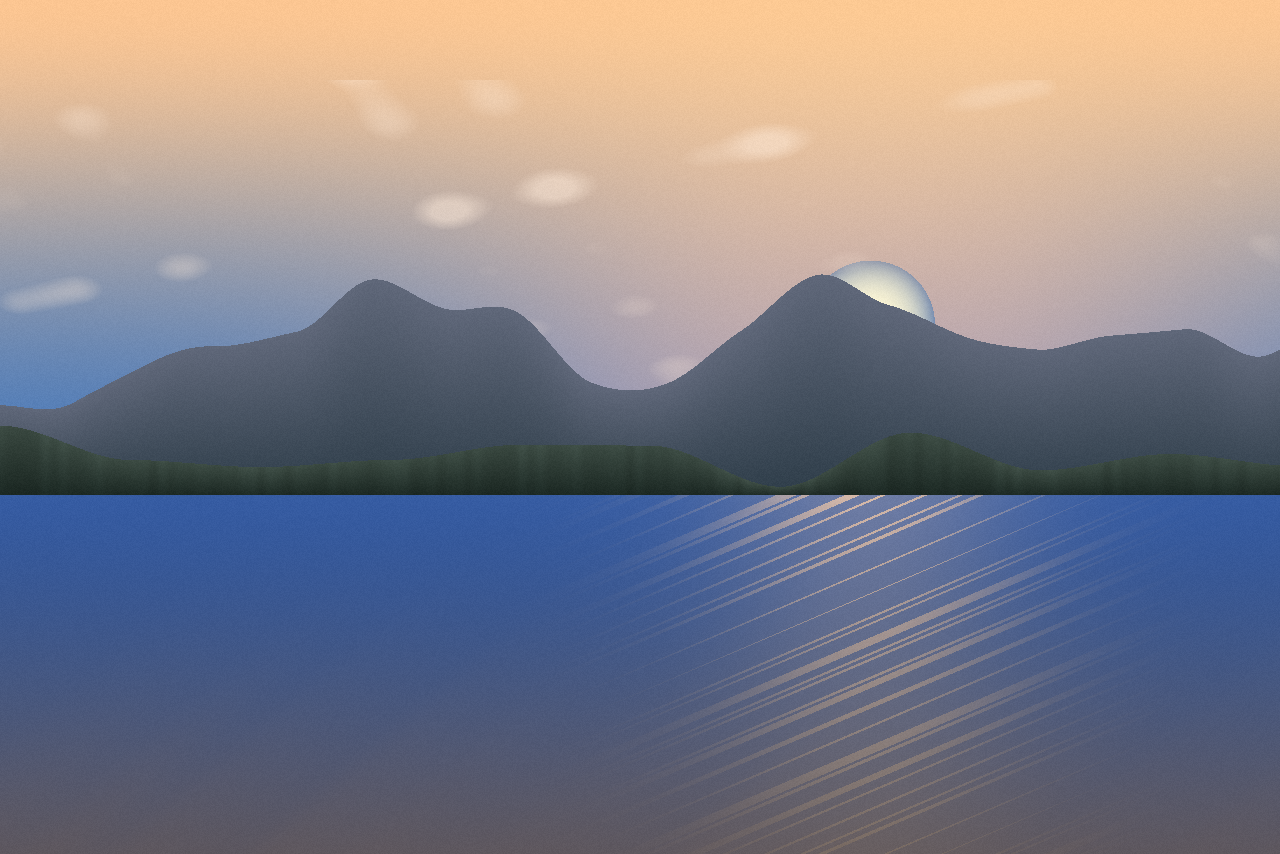
Drag the handle to compare, and zoom in to inspect the detail at full size.
How it works
Drag files onto the drop zone, click it to browse, or paste an image straight from the clipboard. Batches of any size are fine.
Pick a quality level, an exact target size in kilobytes, or a maximum width and height. Defaults are tuned for the web if you would rather not change anything.
Every file is listed with its old size, new size and percentage saved. Save them one at a time or grab the whole batch as a ZIP archive.
Features
Queue as many JPEG files as you like. A Web Worker pool runs them in parallel, so a large batch never freezes the page.
The slider maps straight to the encoder setting. Move it and the output genuinely changes — nothing here is cosmetic.
Ask for 200 KB and the encoder finds the highest quality that fits, then reports the size it achieved.
Camera model, timestamps and GPS coordinates are removed on the way out — worth doing before publishing a phone photo.
Write the result as JPEG, PNG or WebP whatever you put in, so you can test which is smallest.
The whole pipeline runs in your browser through the Canvas API. Disconnect your network after the page loads and it still works.
The output is your image and nothing else. There is no account, no daily quota and no paid tier holding back a feature.
The layout, the drop zone and the results table are all usable on a phone, and mobile browsers run the same encoder as the desktop ones.
In depth
Lossless compression rewrites the file so every pixel survives exactly — decode it and you get the original back, byte for byte. PNG, GIF, lossless WebP and ZIP all work this way.
Lossy compression discards detail on purpose. JPEG converts the image to a frequency representation and throws away the high-frequency detail your eye is least likely to miss. That is irreversible, and it is how lossy reaches sizes lossless cannot: a photograph saved as PNG is routinely five to ten times larger than the same photograph as JPEG.
Neither is better. Photographs suit lossy encoding; screenshots, logos and line art suit lossless, because lossy encoders leave haloes around hard edges.
The quality number is not a percentage. It is an index into quantization tables that control how aggressively detail is discarded, and its relationship to file size is steep and non-linear.
Returns diminish fast at the top: 100 to 90 usually halves the file for no perceptible change, 90 to 80 saves far less. If you remember one number, use 80.
Human vision resolves brightness far more finely than color. JPEG and WebP split the image into one luma (brightness) channel and two chroma (color) channels, then store the chroma at reduced resolution.
The failure case: red or blue text on a contrasting background smears and fringes under 4:2:0. If a screenshot with colored text looks dirty, that is chroma subsampling rather than quality — and a hint the image should be PNG or WebP.
A baseline JPEG is one top-to-bottom pass, so on a slow connection it paints in from the top. A progressive JPEG stores several passes of increasing detail, so the whole image appears at low quality and then sharpens.
Progressive is usually a few per cent smaller and makes a page feel loaded sooner, at slightly higher decode cost. Above roughly 10 KB it is the better default.
A digital image has exactly one physical property: its pixel dimensions. A 3000 × 2000 photograph holds six million pixels whether its metadata claims 72 DPI or 300 DPI.
DPI is a printing instruction in a metadata field. It tells a printer how many pixels to place per inch, which sets the printed size — 3000 pixels at 300 DPI is a 10-inch print, and at 72 DPI a 41-inch print of the same pixels.
So "save at 72 DPI for the web" does not shrink a file. Reducing pixel dimensions does. For A4 at 300 DPI, supply about 2480 × 3508 pixels.
JPEG has no alpha channel and cannot store transparency. Converting a transparent PNG forces those pixels to become something, and most tools fill them with black — which is why a logo exported to JPEG arrives in an unwanted dark box. Keep it as PNG, use WebP (alpha support, typically 25–35% smaller than PNG), or flatten onto a chosen background deliberately.
Color is the other gap. Screens mix additively in RGB; printing presses mix subtractively in CMYK, and converting between them always approximates. A CMYK JPEG is converted to RGB before a browser can display it, and saturated cyans and deep blues can shift noticeably. Compress and resize in RGB for screens, and keep a separate CMYK master for print.
Every time a JPEG is decoded, edited and saved, the encoder re-runs quantization on data already quantized. Errors from the previous pass are treated as real detail and collect new errors on top. This is generation loss, and it only accumulates.
Re-saving at quality 90 restores nothing; it spends more bytes preserving the earlier pass's artifacts. Compress from the highest-quality original you have, and settle on one output size in a single pass rather than nudging quality down and re-saving.
Questions
Every answer below is present in the page source, expanded, so it can be read without opening anything.
No. The compressor is JavaScript running in your browser tab, using the Canvas API and a pool of Web Workers. Your file is read from disk, re-encoded in memory and handed back as a download. Verify it by disconnecting from the internet and compressing anyway — it still works.
For a photograph straight off a phone, quality 80 typically produces a file 60–85% smaller with no difference you would notice on screen. An image already compressed once, such as anything downloaded from social media, may only shrink 10–25%.
Yes. Choose target size mode and enter your limit. The tool encodes repeatedly, narrowing in on the highest quality that still fits, then reports the size it achieved. If the limit cannot be met at the current dimensions, it says so rather than handing you an oversized file.
None imposed by this site. The practical ceiling is your device's memory, since the whole image is held uncompressed in RAM. Batches of a hundred photographs are routine on a laptop; images above roughly 50 megapixels can exhaust an older phone.
Yes, when Strip EXIF is on, which is the default. The image is decoded to raw pixels and re-encoded, so camera model, exposure settings, timestamps and GPS coordinates are not carried across. Turn the option off to keep them.
Not unless you ask. With Keep original dimensions on, a 4032 × 3024 photo comes out at 4032 × 3024; only the encoding changes. Max dimensions mode is there when you do want fewer pixels — which often saves more than quality does.
Almost always because it was already compressed efficiently. A JPEG through one good encoder has little redundancy left, and re-saving at high quality can genuinely produce a larger file, since it must now preserve the first encoder's artifacts. Lower the quality or reduce the dimensions.
Use 80 unless you have a reason not to: the point where the size curve has flattened but visible artifacts have not begun. Use 90 or above for print or further editing, and 70 for thumbnails where slight softening is invisible.
Yes — set the output format before compressing. A photograph converted to PNG gets much larger, because PNG is lossless and photographs hold almost no repetition. WebP is usually 25–30% smaller than the equivalent JPEG, so it is worth testing for the web.
No. The output contains your image and nothing else. There is no watermark, no appended branding, no account requirement and no feature held back behind a paid tier.
Yes. Any current Chrome, Safari, Firefox or Edge on Android or iOS runs the same encoder as desktop. Tapping the drop zone opens your photo library. Large batches are slower, because encoding is limited by the device's processor.
No, and it is not described as such anywhere on this page. JPEG is lossy by design: reducing its size discards detail permanently. If you need every pixel preserved, use PNG or lossless WebP — and keep your original, because a compressed copy cannot be reversed.
Related topics
Related concepts, formats and guides across the site. Every link goes to a page that covers the term properly.
From the blog
Longer explanations from the blog.
Quality 80 is not 80% of anything. It is an index into a quantisation table. Measured on one photograph: dropping from 100 to 90 removes 77% of the file and 4.2 dB of fidelity; dropping from 40 to 30 removes 17% and costs almost as much.
8 min read
Resize before you compress. Measured on one photograph: half the width at quality 80 produced a 16.4 KB file, while full width at quality 40 produced 20.6 KB and looked far worse. The order of operations matters more than the settings.
8 min read
WebP produced a 27.0 KB file against MozJPEG's 41.1 KB on the same photograph at slightly higher measured fidelity — 34% smaller. It also produced a larger file than JPEG on random noise. The advantage is real and content-dependent.
9 min read